August 25th, 2010 by Timothy 'YM' Johnson
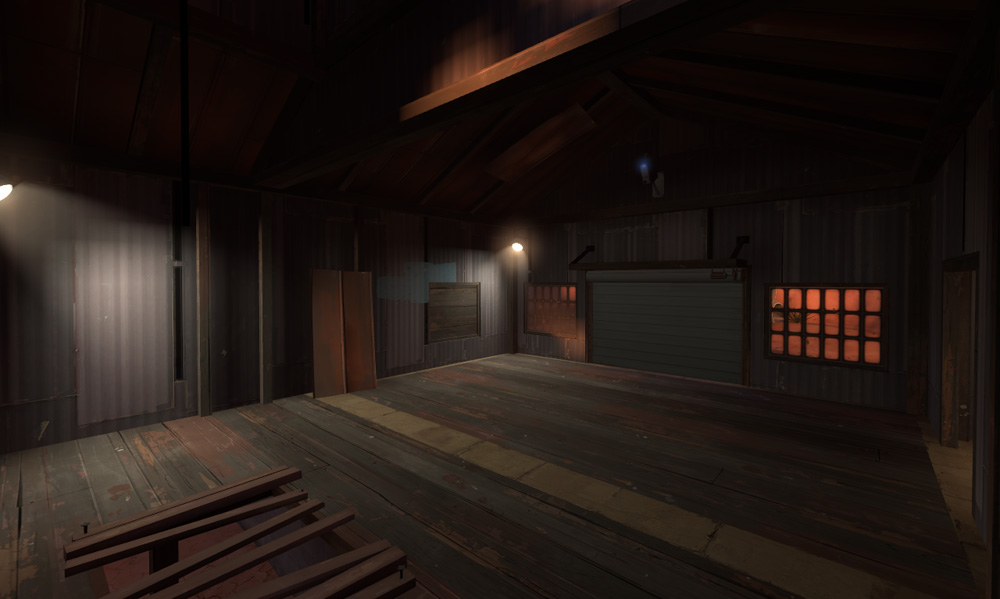
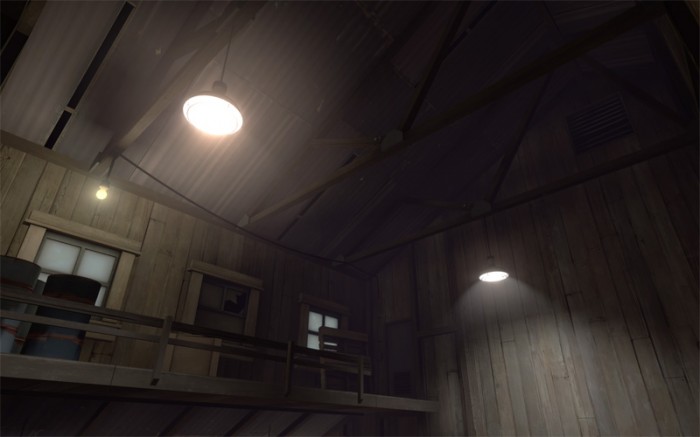
Here is the second part in the series. I was looking to Goldrush a lot whilst making Hoodoo, it was the first official map I spent any length of time actually studying so a lot of the techniques I use are similar. You’re gunna get a pretty picture before the read more tag this time, aren’t you lucky? Well, not really.

What’s the focus of this picture? Read the rest of this entry »
Tags: detailing, displacements, Goldrush, Lights, Mapping, optimization, Team Fortress 2, tf2
Posted in Articles | 2 Comments »
August 22nd, 2010 by Timothy 'YM' Johnson
I’m going to be moving all of my articles from TF2maps.net over to Nodraw in the next few weeks. I’ll keep most of the original information but I’ll be updating a lot of it. Starting off with Badlands, I’ll take a look at how Valve have used various techniques to detail their maps.
Once more into the breach, dear friends Read the rest of this entry »
Tags: detailing, Mapping, Team Fortress 2, tf2
Posted in Articles | 4 Comments »
August 14th, 2010 by Nineaxis
When it comes time to detail a Team Fortress 2 level, the path most mappers take is one of trying to make everything look visually stunning, no matter how important or unimportant the area in question is. Even if detail is planned out beforehand, the initial reaction seems to be to make sure everything is a point of visual interest. Unfortunately, this is not the proper way to handle detailing: in TF2, gameplay and visual elements are closely tied together, and their relationship must be considered when detailing, because your points of visual interest are what the player should interpret as points of interest to the level’s gameplay.
This is why the TF2 world is static, with the exception of dynamic gameplay elements. There are only a couple animated props in the game used for detailing, and are not large or upfront in their presence. Smoke trail particle effects do not stand out, but silently add to the environment. Environment objects which do move or change are either direct gameplay elements (capture points, intelligence briefcases, payload carts, dynamic signs) or are environment hazards which affect gameplay (trains, saws) and have loud, clear sound effects to announce their presence. Any other dynamic elements are players, engineer buildings, or projectiles: things pertinent to playing the game.
However, detailing for TF2 does not just end at “keep the world static”. Detail is carefully distributed and allocated in the world for certain reasons, scaling the amount of it to where it is located. I’m going to call this the density of detail. This concept of density of detail can be found in any of Valve’s maps, but to demonstrate, I’m going to use a particular scene from Dustbowl that I think truly embodies it. Read the rest of this entry »
Tags: design, detailing, Team Fortress 2
Posted in Articles | 5 Comments »
June 9th, 2010 by Nineaxis
Do you ever feel that your Team Fortress 2 map is just missing something? It plays decently, it is enjoyable, but it is lacking something that really puts it over the top? Here are some common features in Valve maps that are often missed by community mappers.
Height Variation
If there is a single most important factor in determining whether your map is fun and interesting to play, or plain and boring, it is height variation. Changes it height make the map much more entertaining, offers strategic options for various classes, and quickly makes the map layout much more intriguing to a player. Height variation can also serve a function purpose, such as funneling spam, breaking sight lines, or improving optimization. Read the rest of this entry »
Tags: design, Team Fortress 2
Posted in Articles | 5 Comments »
February 22nd, 2010 by Timothy 'YM' Johnson
A gate is any temporary barrier between a player and progress in a game, generally they’re used to give a moment of breathing space between encounters that demand more from a player, but they’re an incredibly flexible tool in a level designer’s arsenal. I’ll go over some of the common types of gates with a few examples from Half Life 2 Episodes One and Two.
Did you get what you needed?
This type of gate prevents a player from leaving an area without a key item that they’re going to need. If you’ve just given the player a super gun, or a key card he’s going to need later, you’ll want to make sure he’s got it with him before letting him continue. As with every type of gate there are many ways to ensure the player has what is needed before letting him continue, the most obvious being: getting him to use what he needs in order to get out. Read the rest of this entry »
Tags: design, episode 1, episode 2, pacing, Standards
Posted in Articles | 10 Comments »
February 8th, 2010 by scorpiouprising
This is going to be the first in a series of articles centred on Team Fortress 2. The point of these articles is to explain how each class affects your level design, and to provide some key examples of how you can create interesting gameplay scenarios for each class, while at the same time keeping your map balanced as well. I’ll be doing one with each class, starting with the most important class, the soldier. Read the rest of this entry »
Tags: Mapping, soldier, Team Fortress 2
Posted in Articles | 2 Comments »
January 31st, 2010 by Timothy 'YM' Johnson
What makes one map larger than another? The amount of brushes? The number of models? The lighting? Displacements? The pakfile?
Well, you can find out exactly how much each of these contributes to your map’s size using several programs, I like to use GCFScape for this though, you can find that here
Just open up any .BSP file (either from your maps folder or from one of the valve GCF files located in your steamapps folder) and navigate to the lumps folder, sort by size and take a look at the biggest lumps
Commonly large lumps (>1MB):
| Lump number |
Usage |
| 40 |
Pakfile |
| 8 |
Lighting |
| 53 |
Lighting HDR |
| 34 |
Displacement lighting |
| 29 |
Physics collision data |
| 7 |
Faces |
| 58 |
Faces HDR |
| 35 |
Game-specific data |
| 33 |
Displacement verticies |
| 27 |
Original faces |
So what do all of these lumps actually contain? Read the rest of this entry »
Tags: bsp, GCFScape, optimization, source
Posted in Articles | 1 Comment »
January 13th, 2010 by scorpiouprising
Hello all! One of the things I’m primarily interested in is general game design theory, and how we can utilize some rather broad ideas to facilitate our level designs. This is a bit vague (especially for a blog about Source level design) but I figured I’d round out the content of this blog with something a bit more abstract and theoretical.
In this post I’m going to distinguish between two different methods of game design, and I’ll extend those methods to source level design with some examples. The first method is Architectural design (referencing Jonthan Blow’s commentary on narrative in games). This style relies upon a very specific starting point for the design process, perhaps a blueprint whose basic requirements are all but immutable (like a previous level that is being translated from one game to another), or a representational or narrative requirement (a theme or setting that one is trying to capture in your design). Think of a game like HL2: it seems quite likely that the story told via the sucession of levels was arhictected in advance of the level designers work (somewhat in line with the programmers getting the engine up to speed). As such, though the designers had a degree of creative capacity, they are often times composing spaces in reference to the prebaked narrative. Read the rest of this entry »
Tags: art, creativity, design, emergence, Mapping
Posted in Articles | 4 Comments »
January 8th, 2010 by Acegikmo
I’ve been doing some research to see what standards Valve stick to regarding playerclipped stairs and the usage of colored patches below pickups.
In case you don’t know what I’m talking about, I’ll give you an explanation.
In almost all TF2 maps, the pickups are located above colored paint patches. Here are a couple of ways you can place the patches:

However, the color of the patches vary heavily between the official TF2 maps. I will show you a table of the results of my research, right after I’ve explained what playerclipped stairs are!
Playerclipping stairs is something that most mappers do. It means that you create a flat brush, covering every step in stairways, all the way from the top to the bottom.
Here is a comparison between a stairway without clipping and a playerclipped stairway:

Now that you know what I’m talking about, I’ll give you the table:
Read the rest of this entry »
Tags: Mapping, Playerclipping, Standards, Team Fortress 2, tf2
Posted in Information | 8 Comments »
January 5th, 2010 by MangyCarface
Recently we were able to get into contact with Valve with a few questions regarding the newest and prettiest TF2 map, CTF_Doublecross. Although level design is approached as a team effort at Valve, Valve mapper Iikka Keranen, as the original designer, was kind enough to answer them and provide us with some tips as well as insightful concept and development shots of the map.
1. NODRAW: How do you go about making such precise displacements as the tunnels below the bases? I know of a method to make a smooth cylinder but not at such an angle…
- IIKKA: The cylinders trick is a good one. Basically, you start with cylinders that are built along one axis and then just rotate the brushes and vertex-edit to get back on the grid. The most laborious part is the joint between a straight and a 45-degree pipe; when you clip the brushes in an angle where they meet, the displacements won’t match. You need to first sew them and then tweak with one-unit steps until it looks good enough. The down-slope is done easily by lowering the bottom vertices; that portion of the pipe is just skewed rather than rotated. Texture alignment is key in making it look good.
2. NODRAW: You have these great one-way windows in the spawns; while this may not be the case here, is there any way to tell VVIS to calculate only out of a portal and not into it? So that while the spawn door is closed, players outside would not render in? I can’t think of any areaportal jiggery to do so…
- IIKKA: Unfortunately area portals are always two-way. This would require new technology.
3. NODRAW: Is there anyway the clips can be taken off the middle two towers’ rooves? These always seem jumpable as the battlements are nearly the same height.
- IIKKA: The towers have differing geometry that gave the BLU team an advantage before their tops were clipped. They were built rather late in the development to replace a different obstacle that you couldn’t jump on (a tall tree on the edge of the cliff) and the clip brush was deemed the best solution to the problem.
Read the rest of this entry »
Tags: doublecross, interview
Posted in Interviews | 7 Comments »